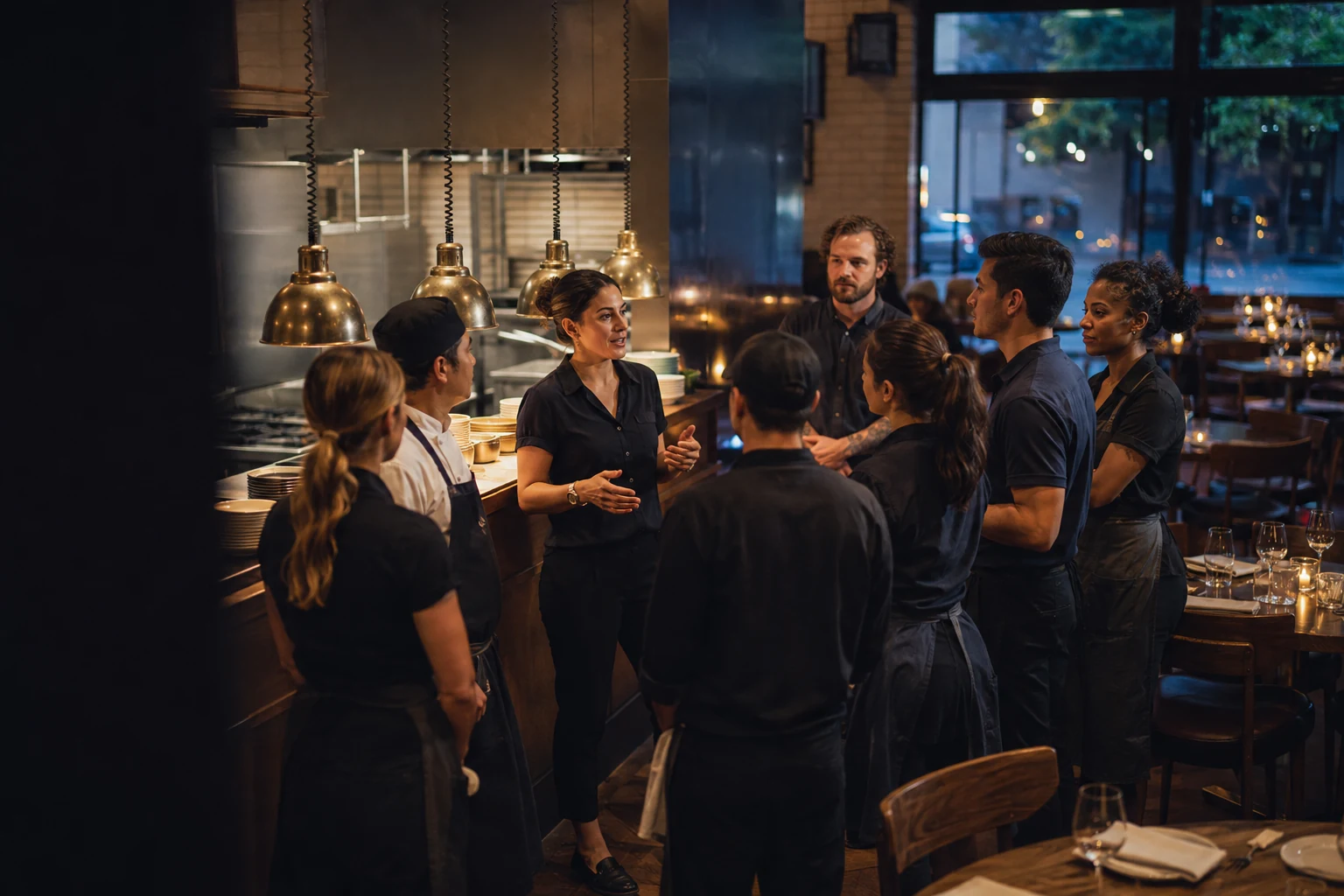
One system for the floor, the kitchen line, and the office behind them. An order taken at the table reaches its station, lands in the night’s numbers, and tells next week’s schedule what a Friday looks like.
Keeping track of the shift is the system’s job, not your staff’s.
Front of houseOrders, seats, and service
Kitchen & barPreparation and handoffs
ManagementPeople, planning, and sales
Timing is the service
The kitchen moves. The floor knows.
A meal has three moments when the floor needs to hear from the kitchen. Miss one and the table feels it.
Illustrated workflow · select a moment in service
Preparation starts. The server knows.
The server who owns the table is told the moment the kitchen picks the ticket up. That is the window to mark the table, clear the first course and top up drinks.
Without itThe entrées land on a table still covered in the first course, and get cleared around.
Server’s POSTable 17
Kitchen 2 started the entrées
Mark the table, clear the first course, refill the drinks.
17
Sent to kitchen
Blue while the order is with the kitchen
Sent to kitchenFood ready to runDelivered · check table
Different languages. One conversation.
Send a message in English and let the kitchen read it in Spanish. Replies can come back in English, keeping front and back of house in the same conversation.
Message example
Server · English
Table 17 is ready for the main course.
Cocina · Español
La mesa 17 está lista para el plato principal.
English and Spanish in the current pilot. Original messages remain visible; typed translation requires a connected translation service.
Away from the terminal
Fewer trips across the floor.
Two routine interruptions pull staff away from guests: an approval only a manager can give, and a timing question only the kitchen can answer. Both are handled from wherever the person already is.
Managers approve from any device.
A server requests a comp or void from the check and selects a reason. The request reaches every manager on shift with the item, the table, the server and the reason already attached. Approve or deny from a phone, a tablet or the office.
Set reasons rather than free text, so comps and voids can be reported on
No server waiting at a terminal, and no manager called off the floor
Recorded with the check: who requested it, who approved it, and why
The askServer’s check
The decisionManager’s own device
An informed server is a better server.
Servers are told what the kitchen is doing with their tables: when an order is picked up, when it’s ready, and when it has gone out. They find out without leaving the floor.
That changes what the guest hears. Instead of “let me go and check,” the answer comes straight away — the kitchen started your entrées about six minutes ago. A guest who is told where things stand waits comfortably. A guest left guessing starts watching the door.
Sent to the one server who owns the table, by name — not to everyone
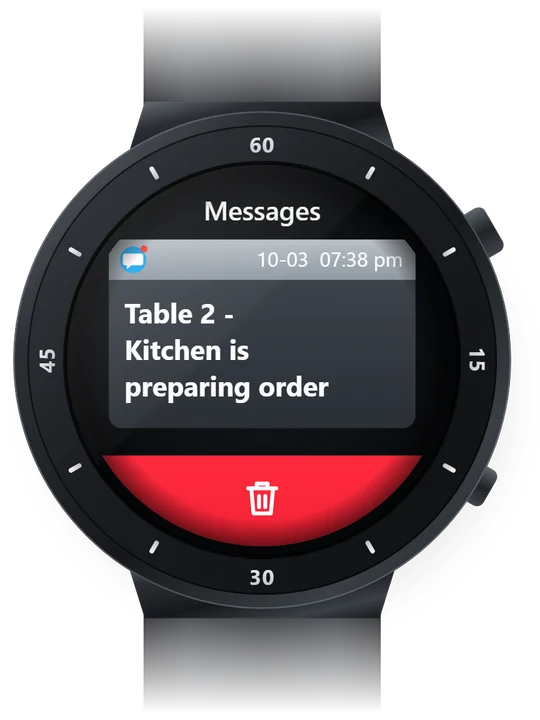
Arrives on a phone, or a paired smartwatch, without taking a phone out in the dining room
Timing comes from the kitchen’s own screens, so it is what is actually happening
Inside WholeHouse360
One restaurant. A connected way to run it.
Follow an order from the floor to the kitchen. Plan the people behind it. See the day come together.
Every seat. Every course. One clear check.
Most dishes go on the check in one tap; only the ones that genuinely need a choice — a temperature, a side — ask for one. Every line says whether the kitchen has it, so a glance answers the question instead of a walk to the pass.
Floor & ordersServer view · live demo
One tap for most dishes
Each line reads sent, cooking, ready or served
Orders organized by seat and course
Screens captured from the live demo. Fictional staff, orders, and sales. Simulated payments.
Online ordering & reservations
Connected before they walk through the door.
Bring pickup orders and table reservations from your restaurant’s website into the same system your team uses to run service.
Integrated online ordering
From their cart to your kitchen.
Guests choose dishes, add their requests, and select a pickup time on your website. The order reaches your POS and kitchen with those details intact.
Pickup items and prices from the shared menu
Scheduled orders held until preparation is due
Ready and picked-up status in the staff workflow
Guests can follow their order on a status page. Text and email updates are available when those services are connected. The current pickup flow takes payment at the restaurant.
Website reservations arrive in the restaurant’s reservation board. Table availability and party size guide the assignment, and staff can adjust it as service unfolds.
Guest list and floor plan together
Arrivals, seating, walk-ins, and waitlists
Guest preferences, table assignments, and blocked tables
See who is expected, who has arrived, and which tables are available at the selected time.
The menu changes. People change roles. A new employee joins the floor. Keep the details your team needs close to the work they do.
Know the menu. Build confidence.
Give employees a place to practice menu and service knowledge, with progress that managers can review across the team.
Menu knowledge & training
Keep the daily details current.
Manage menu items, prices, preparation stations, and 86s where the team takes and prepares orders.
Menu & service management
The right tools for each role.
Give servers, bartenders, kitchen stations, and managers the access they need. Assign management permissions to the person.
Employee roles & permissions
01 / Learn the menu
More than a dish name.
The description, the build, how to sell it, and what to confirm with the kitchen before promising a substitution.
Learn the menuEmployee training
02 / Put it into practice
Learn it. Then recall it.
Build a dish from its ingredients. Give employees a way to practice what they know before a guest asks.
Put it into practiceEmployee training
Part working, part planned
From the recipe to the next delivery.
Smart product ordering starts with knowing what goes into every plate. Measured recipes, ingredient costs, sales and counted stock already come together to plan what the restaurant needs next. Sending that order to a supplier is the part still to build.
Build the recipe
Record portions, ingredient quantities, yields, and substitutions for each menu item.
Understand the cost
Use ingredient purchase costs and recipe quantities to calculate food cost and expected usage from sales.
Plan the purchase
Compare expected demand with verified stock and incoming deliveries. Review suggested quantities by supplier and case size.
Choose how to order
Today an approved purchase draft is placed with the supplier as you do now. Direct supplier connections and automated email ordering are planned.
What works today
Recipe costingIn the demo
Ingredient quantities and costs per menu item, with food cost against menu price.
Usage from salesIn the demo
Sent items drawn down through their recipes. An estimate: counts, waste and kitchen yields still need reconciling against it.
Counted stock and varianceIn the demo
A counted figure against the expected one, so the gap is visible rather than assumed.
Replenishment suggestionsIn the demo
Quantities to par, rounded up to pack size. Target levels, not a demand forecast.
Supplier ordering (US Foods, Sysco)Planned
Subject to API availability and the restaurant having account access. Nothing is sent today.
Email order submissionPlanned
An alternative for suppliers without a connection. Not built; no order leaves the system.
Built from the restaurant floor
Real shifts. Real feedback. A better way to work.
Table ownership, kitchen handoffs, shift roles, and checkout all belong in the same conversation. Start with how your restaurant works today.
Walk through the details with us, from the first shift on the schedule to the last check of the night.
WH360Built for independent restaurants
Start with your restaurant. Not a sales script.
Walk through your day
Show us how your team opens, serves, and closes.
See the working product
Explore the workflows that matter to your team.
Agree on the next step
Talk through fit, setup, and what still needs to be ready.
Can guests order pickup or reserve a table on our website?
Yes. Pickup orders connect the website menu and cart to the POS and kitchen workflow, including scheduled preparation and order status. Website reservations appear on the restaurant’s reservation board with table assignments that staff can adjust. The current pickup flow collects payment at the restaurant.
Which languages can the team use?
The current pilot supports English and Spanish messages between front and back of house, including translated replies. Additional languages are a planned extension. Original wording remains available, and free-text translation depends on the connected translation service.
Can it order from US Foods or Sysco?
Supplier ordering is planned. The intended workflow connects measured recipes, ingredient costs, sales, and verified stock to a manager-reviewed purchase order. Orders would go through a supported supplier API or automated email, based on the restaurant’s preference. Supplier access and account support still need to be confirmed; these connections are not active in the demo.
Is WholeHouse360 available for my restaurant?
A walkthrough is the place to see the current product, discuss your restaurant’s needs, and work out the right scope and timing together.
Do I have to replace my current POS?
That depends on your starting point. We’ll review your current POS, payment processor, and day-to-day workflow before discussing a transition. The demo lets you explore ordering and checkout, but payments are simulated. A walkthrough does not require switching systems.
Can an employee work as both a server and a bartender?
Yes. Employees can have more than one role, and a scheduled shift can identify the job they are working. Management access is assigned separately, so giving someone bartender duties does not automatically give them management permissions.
Is training part of the same system?
Yes. Menu knowledge and service training sit alongside the operational tools. Employees can practice, and managers can review team progress. The walkthrough can cover the training that matters for your menu and roles.
What does it cost?
Pricing and launch scope are discussed as part of your walkthrough. We’ll review what your restaurant needs before proposing a plan. There is no subscription or payment required to request a walkthrough.
Let’s put the whole house on the same page.
Tell us about your restaurant. We’ll show you around.